PhotoShelter: Accessibility Leadership & Product Prototyping
Accessibility
PhotoShelter's customer base includes universities and professional sports organizations, and several key contracts worth a combined $9.2M ARR were exposed if the product could not demonstrate ADA and WCAG compliance. I led the WCAG 2.1 audit and front-end remediation effort for PhotoShelter's core product to close that gap.
The initial audit surfaced two classes of issues: fast fixes such as missing ARIA attributes and unlabeled controls, and deeper structural problems such as mouse-only navigation across core menus.
- Keyboard navigation for every menu:
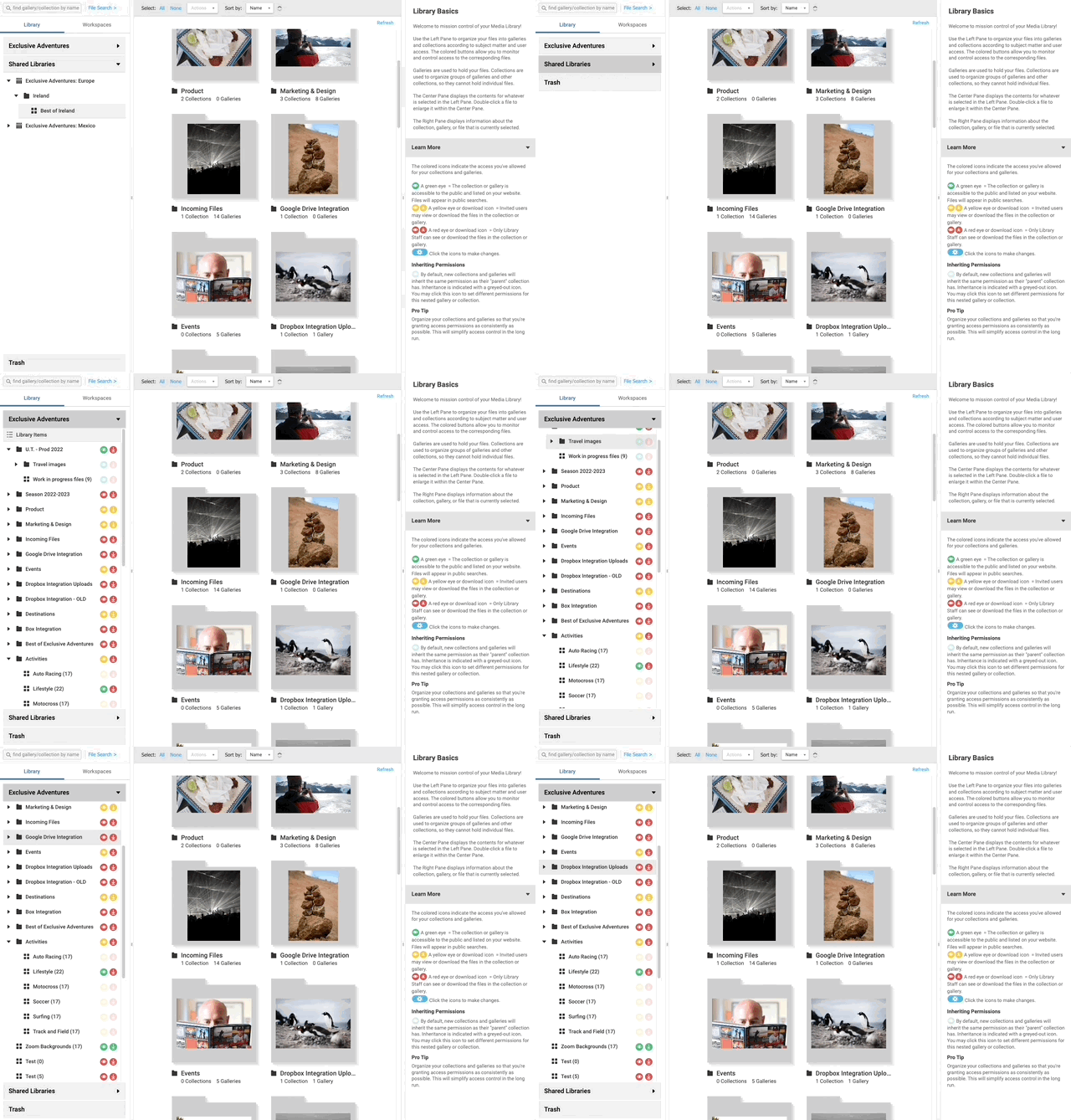 Keyboard navigation for the main menu
Before this work, every menu in the product was mouse-only. Keyboard access is essential for users with limited mobility and speeds things up for power users who prefer shortcuts.
The hardest part was keyboard support across Shadow DOM-based components. Because PhotoShelter relied on Polymer and Web Components, focus and keyboard events did not move cleanly across shadow boundaries. I built a custom layer to bridge those boundaries so interactive elements remained reachable and usable without switching interaction modes.
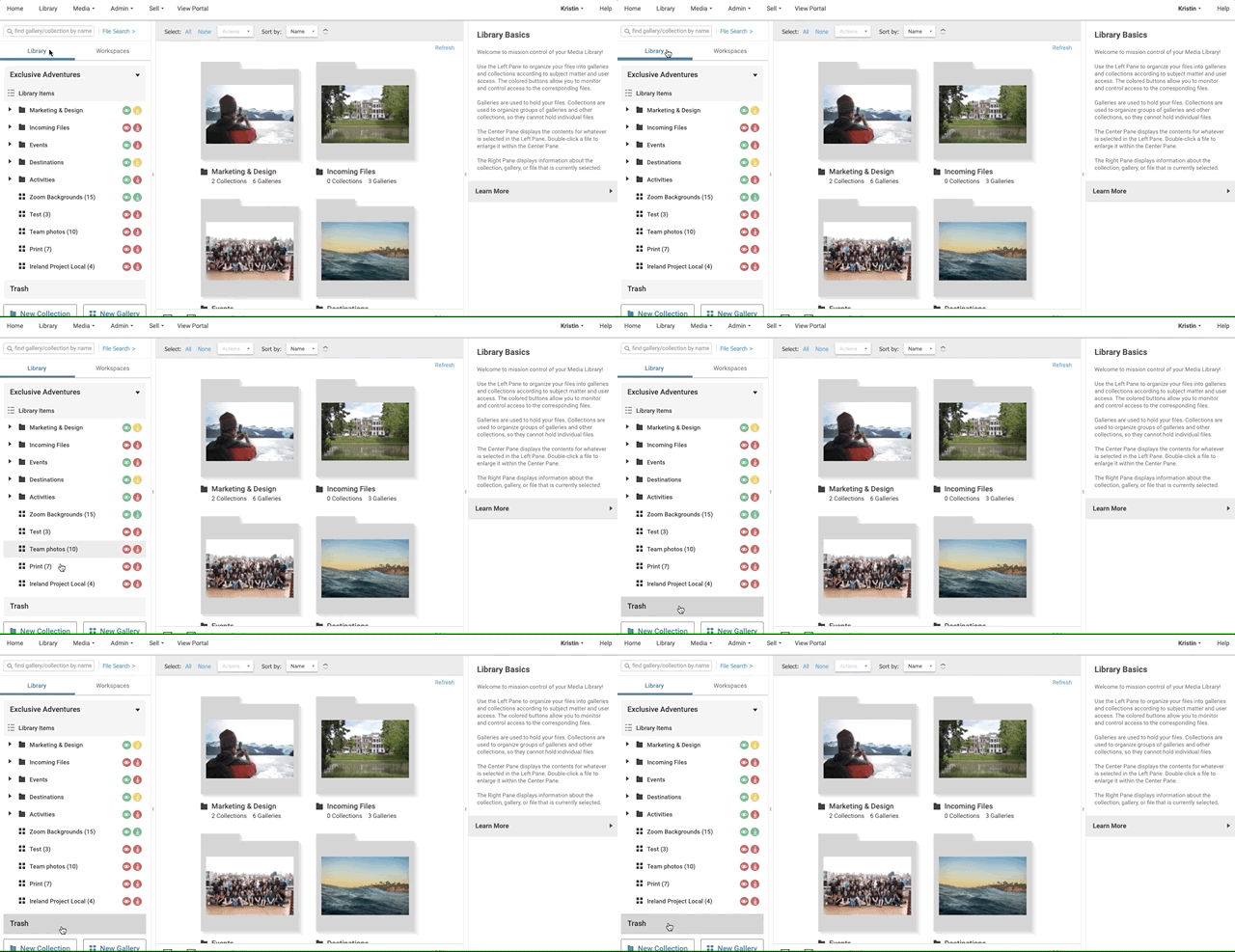 Mouse to keyboard control, no mode switch needed
- Team adoption:
I mentored four developers on accessibility patterns and introduced review checklists so accessibility was built into new work rather than added later as remediation.
R&D Prototyping
In parallel, I worked with the Chief Architect on exploratory prototypes outside the main production timeline. These projects helped validate ideas, de-risk implementation, and surface integration challenges earlier.
-
Workflow automation interface: This prototype informed the Smart Galleries feature. Building it outside the production path surfaced integration issues earlier and reduced development time by roughly 30%.
-
Client-side image blur comparison: Built with OpenCV.js to test whether image analysis could run fully in the browser without backend resources. The prototype showed that lightweight computer-vision workflows were viable in static-file environments, even though it did not ship as a standalone feature.